Prior to laser detection activation, make sure the optical filter is in place.
[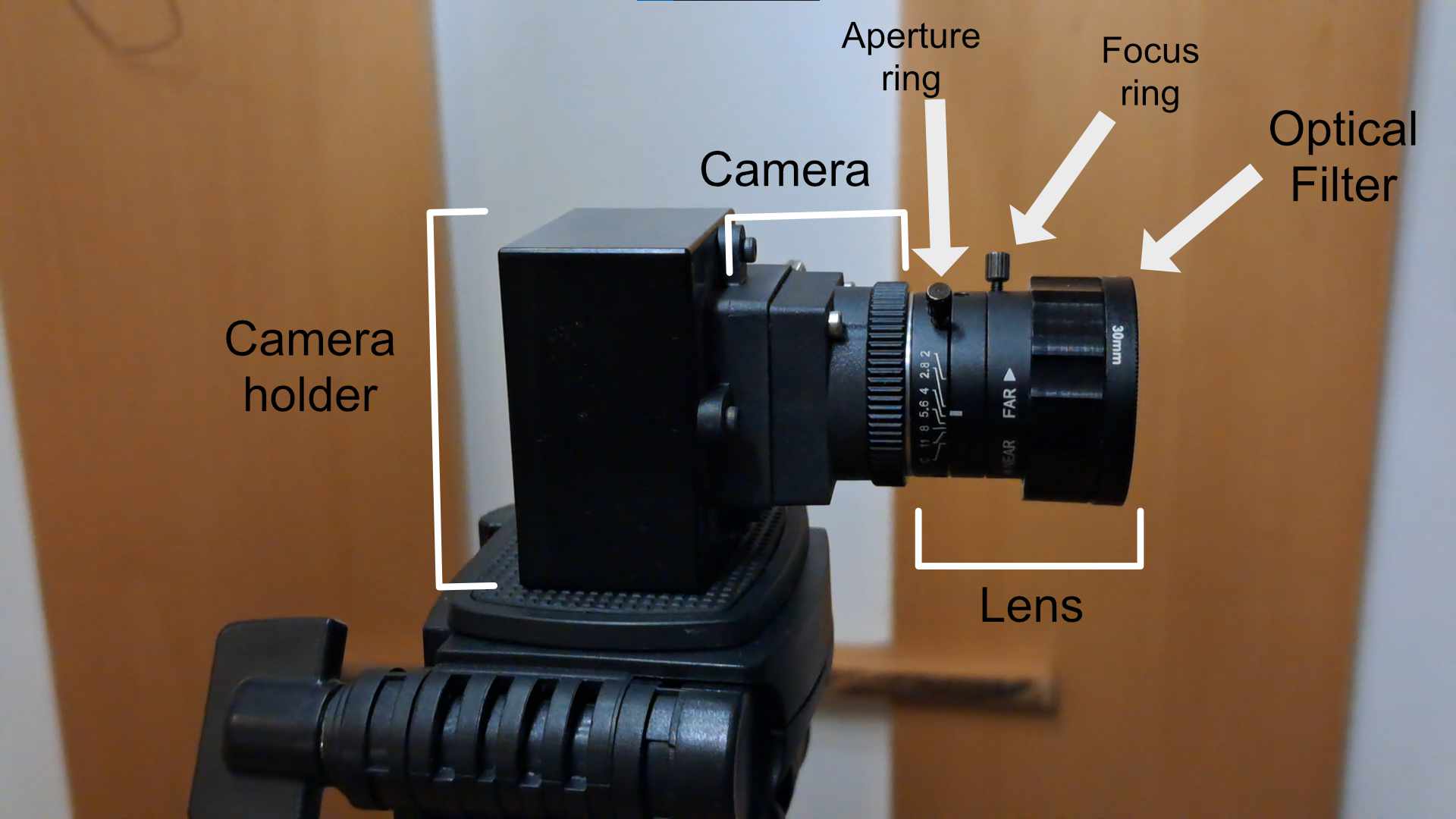](https://docs.helioninteractive.com/uploads/images/gallery/2026-01/cameradescription.jpg)Optical filters suplied with LATRAS are suitable for InfraRed laser detection.
To activate the laser detection, hit Laser ON/OFF button. When ON, it will be highlighted in yellow and the laser will be detected within the previously selected detection area. [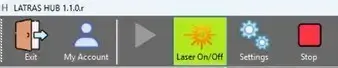](https://docs.helioninteractive.com/uploads/images/gallery/2026-01/laseron.webp) If the detection doesn't work properly, try fine tuning the Gain, or check your camera's frame rate lin LATRAS Hub under Camera View: [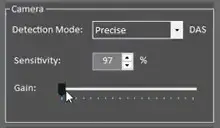](https://docs.helioninteractive.com/uploads/images/gallery/2026-01/gain.webp) **Most common problems:** Hits are not detected or only some are - increase the Gain Hits appear much lower than they should be - increase Gain There are False hits or two hits per one shot - decrease Gain