| [](https://docs.helioninteractive.com/uploads/images/gallery/2025-11/lh-settings.webp) | Select the Settings button from the main menu in upper toolbar. |
Start with the **General** Settings
[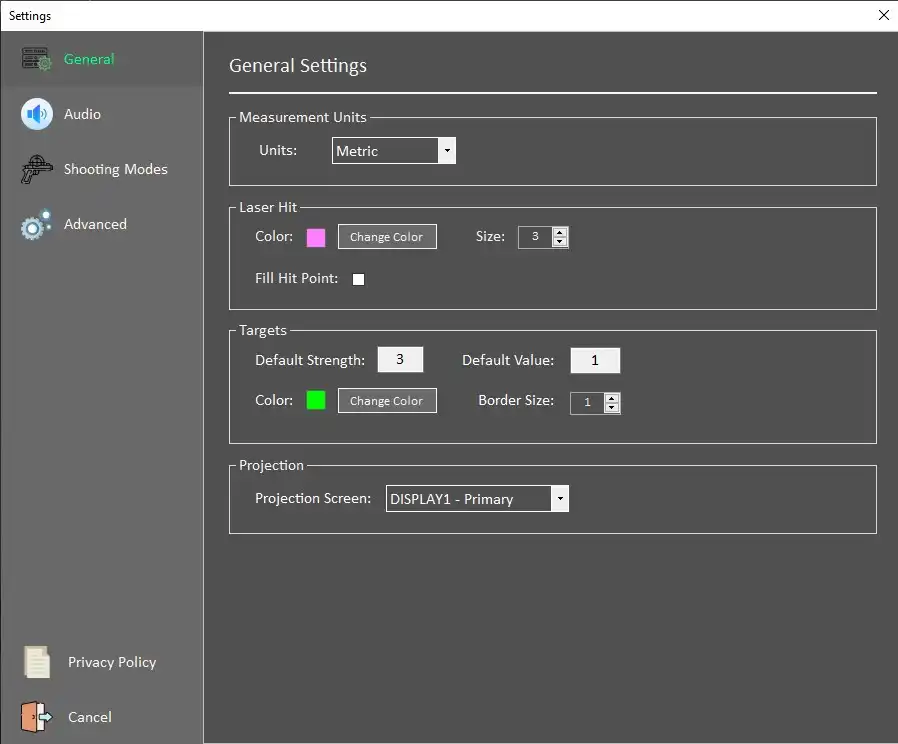](https://docs.helioninteractive.com/uploads/images/gallery/2025-11/lh-settingsg.webp) **Measurement Units** Metric (m) / Imperial (f, in, yd) **Laser Hit** Color, Size- select color of the laser hit and its size Fill Hit Point - if checked, **Target** **Default Strength, Value** - properties that appear as default target values. Both can be changed within the drill definition dialogue. **Color** - selects a color used for drawing target areas in the Custom Targets mode **Border Size** - width of the target's area border **Projection** - chooses which is used (in cas of multiple available projection screens)Audio Settings
[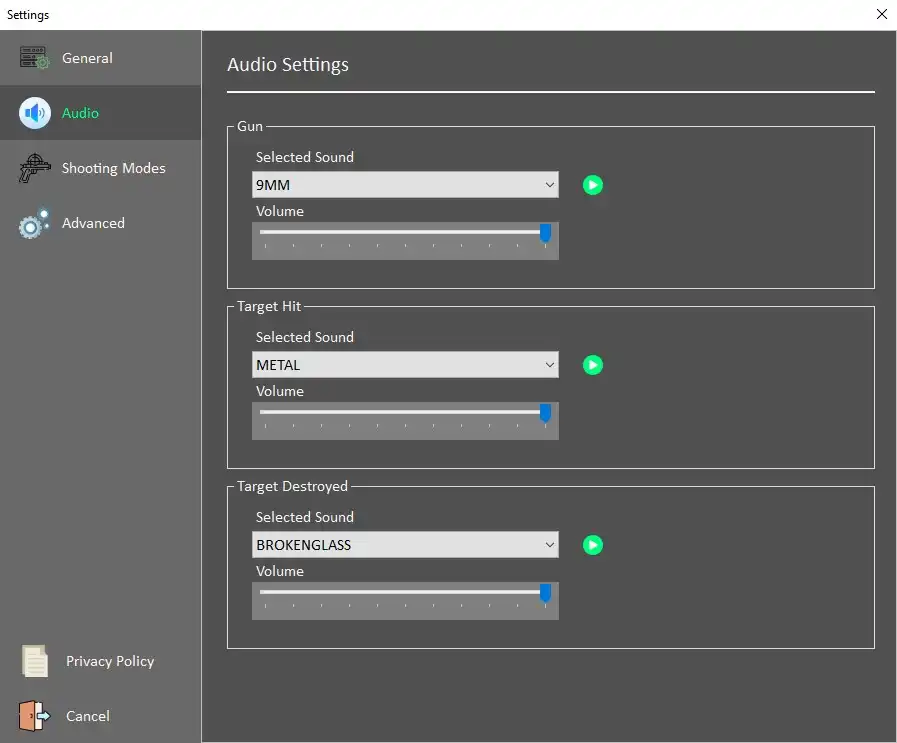](https://docs.helioninteractive.com/uploads/images/gallery/2025-11/lh-audio.webp) Defines default values for sounds Gun - multiple options of gun sounds, volume selection through a slider Target Hit - sound of successfull target hit - multiple choices of materials, volume selection through a slider Target destroyed - select sound - multiple choices, volume selection through a sliderShooting Modes
Custom predefinied shutting modes can be created in the Shooting Modes dialog. [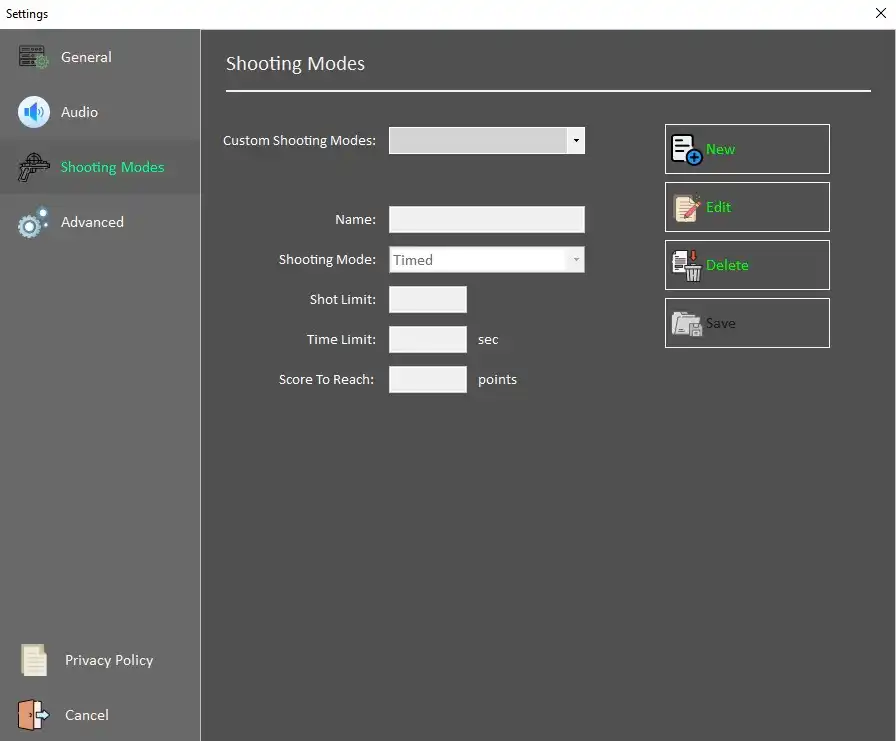](https://docs.helioninteractive.com/uploads/images/gallery/2025-11/lh-shmodes.webp) Hit **New** to create a new Shootiing mode. Fill in the Name of the mode, select drom available options: Timed - ScoreLimit - sets the score to be reached prior to ending the drill TimeLimit - sets the time limit TimeorScoreLimit -sets the time and score limit, whichever comes sooner wil end the drill ShotLimit - limits the number of shots per round **Save** - saves the mode **Edit** - edits existing modeAdvanced Settings