Skip to main content
Camera is not in focus
Symptoms
- Output of a camera is blurred in LATRAS Hub
- I can't get camera into focus
- Even after adjusting the focus ring on the lens camera is not in focus
Before troubleshooting
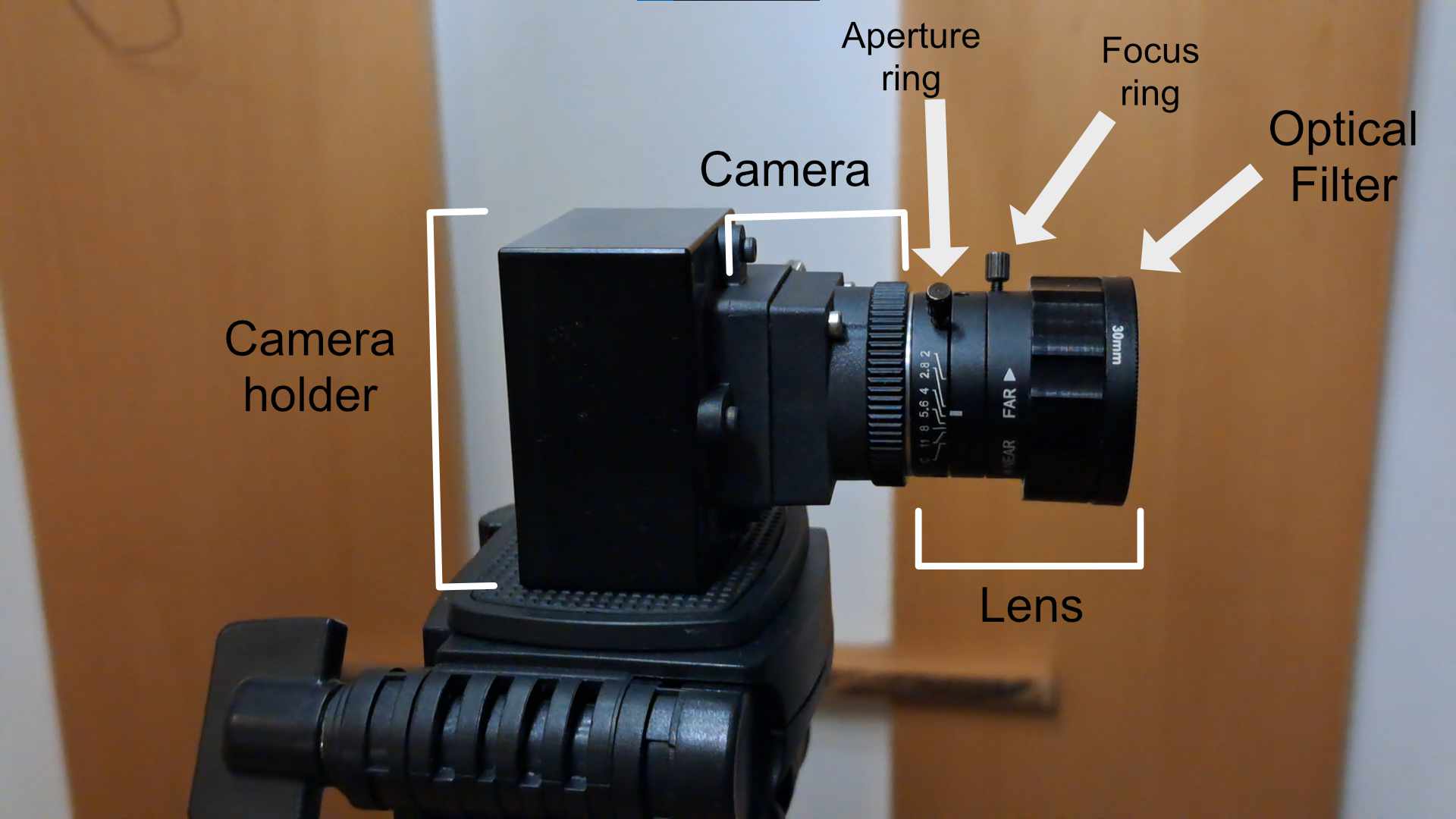
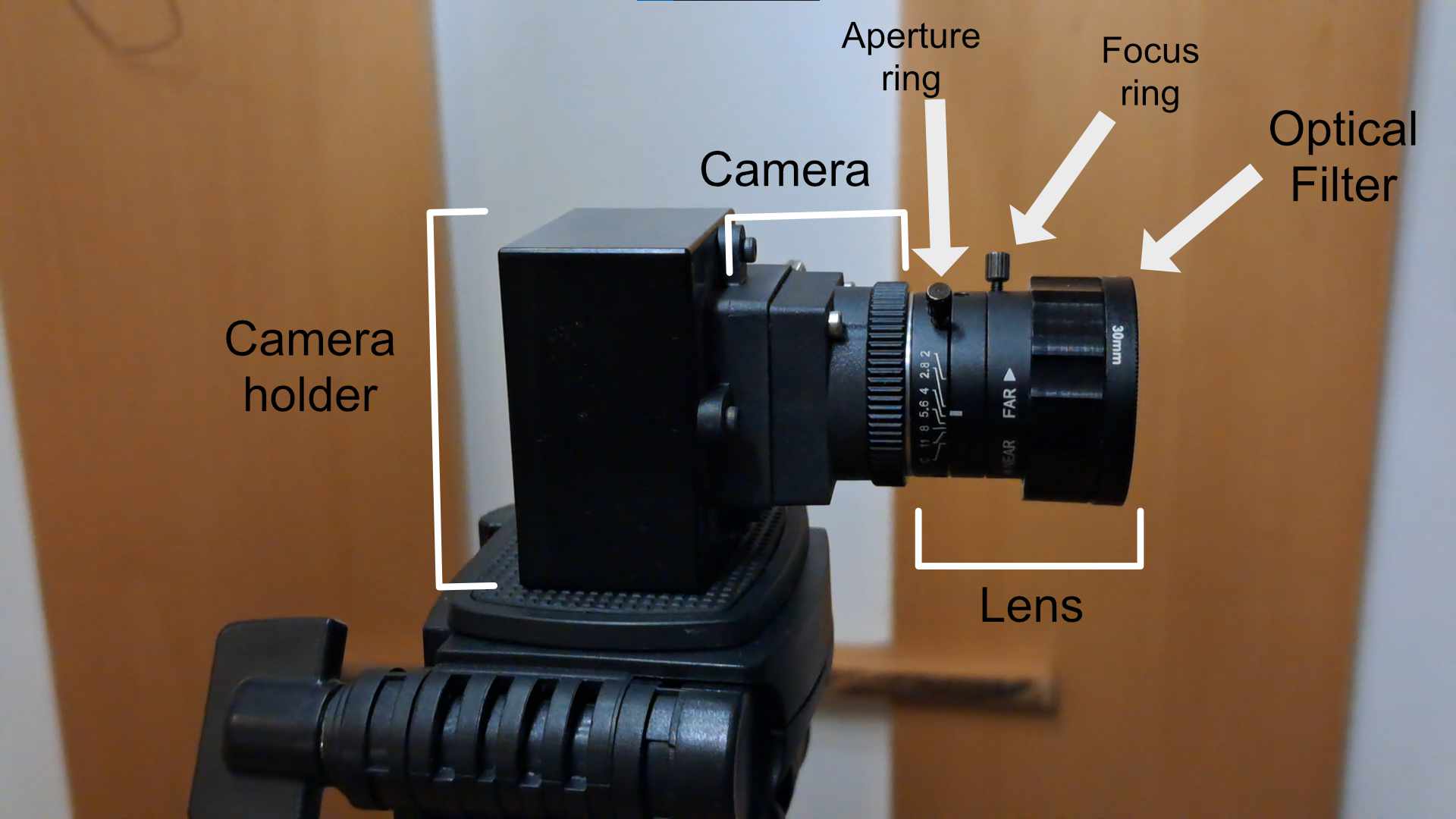
- Remove optical filter from the
lens
lens.
- Ensure that the camera is properly connected to the computer through USB3
portport.
- Start the camera in LATRAS Hub and enable
PreviewPreview.
- Set camera gain so that the camera has visible output.
NowNow, you should see camera output in a large windowwindow.- Do not focus in darkness. It will be way easier to get camera into focus with indoor light.
Camera description
Resolution
- Rotate with the focus ring on the lens. This will change the camera's focus. Look at the main view in LATRAS HUB,
therethe focus change should be visible there right away.
- Check if the lens is clean.
- Check if the lens is properly threaded into the camera. If
notnot, thread it back in and go to 1ststep step.1.
- Take the camera and try focusing on everyday objects. Focusing against a white wall or a projection screen can be very tricky. If you manage to get into focus try it again with your projection.