Precision Targets
How to create a precision target
Follow Customs Scenarios Setup and crate a New drill.
Select Background Image
- predefined image from C:\Program Files\Helion Interactive\LATRAS\Latras-HUB\Assets\Targets
- any custom 16:9 image frm any location on your computer
Only the image size of 16:9 (width:height) ratio is supported.
When background image is selected, contiue with the Targets button.

In the newly opened background enlargement, select Add Image Target button and select desired target from
- C:\Program Files\Helion Interactive\LATRAS\Latras-HUB\Assets\Targets
- any custom target image
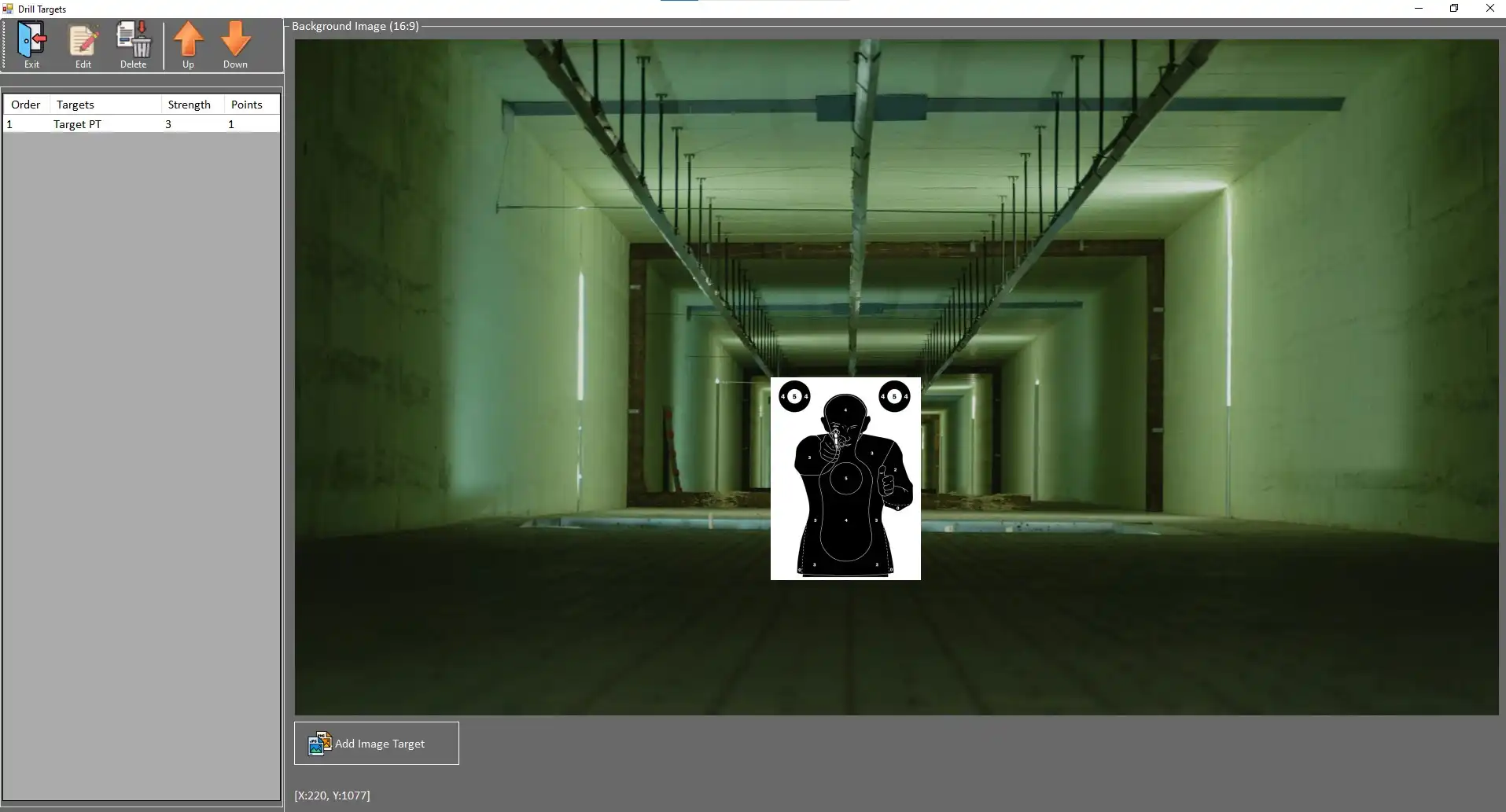
The selected target is placed into the background image by simply clicking to anywhere in the background and then sliding the image with a mouse to a desired location.
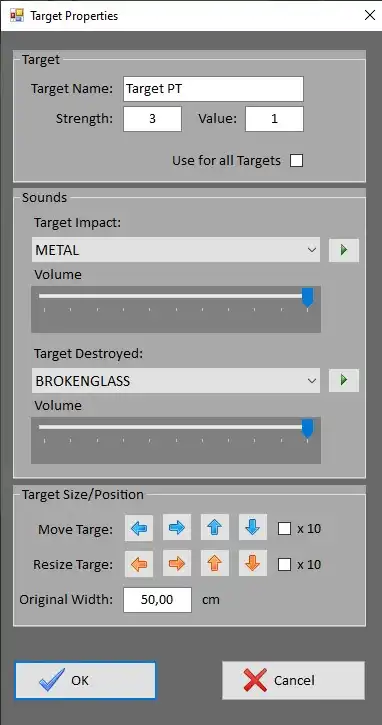
To Edit the properties of the target, click on the Target's description line in the left banner and select the Edit button.