
Scoreboard
Scoreboard Entries:
Each drill has its own Scoreboard.scoreboard. When a performance thatmeets qualifiesthe criteria for registration is recorded, the application displaysregistration, a dialog box forappears registeringprompting the user to register the shooter and their performance:
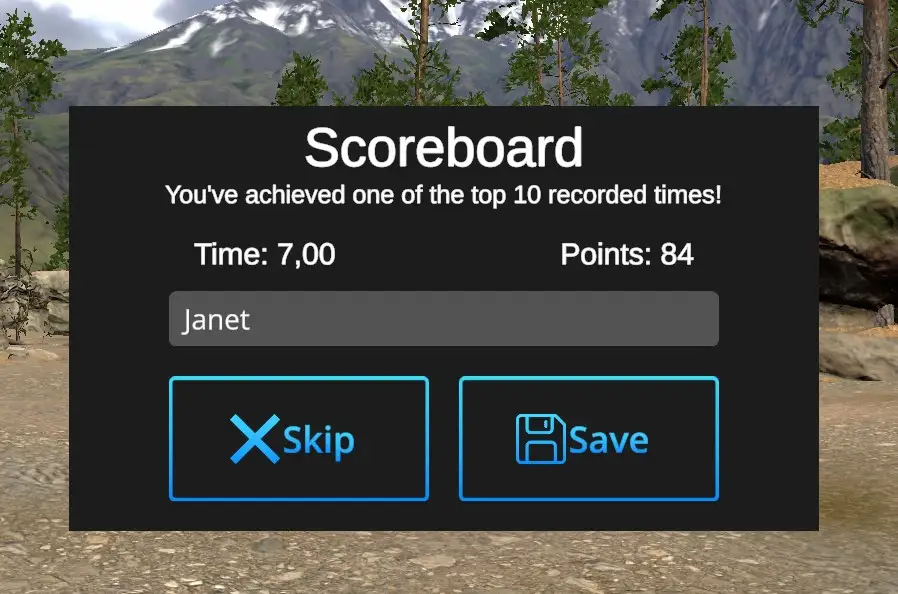
YouWhen you don't want to save the achieved performance results, hit the button 'Skip' and contiuecontinue your practise.practice.
You want to save the achieved performance results - Use computer keyboard to type in your name or nickname, the score is recorded automatically. Hit 'Save'. Actual Scoreboard will be prompted:
Scoreboard Overview:
The Scoreboard overview is accessible from the Home page - Scoreboard:
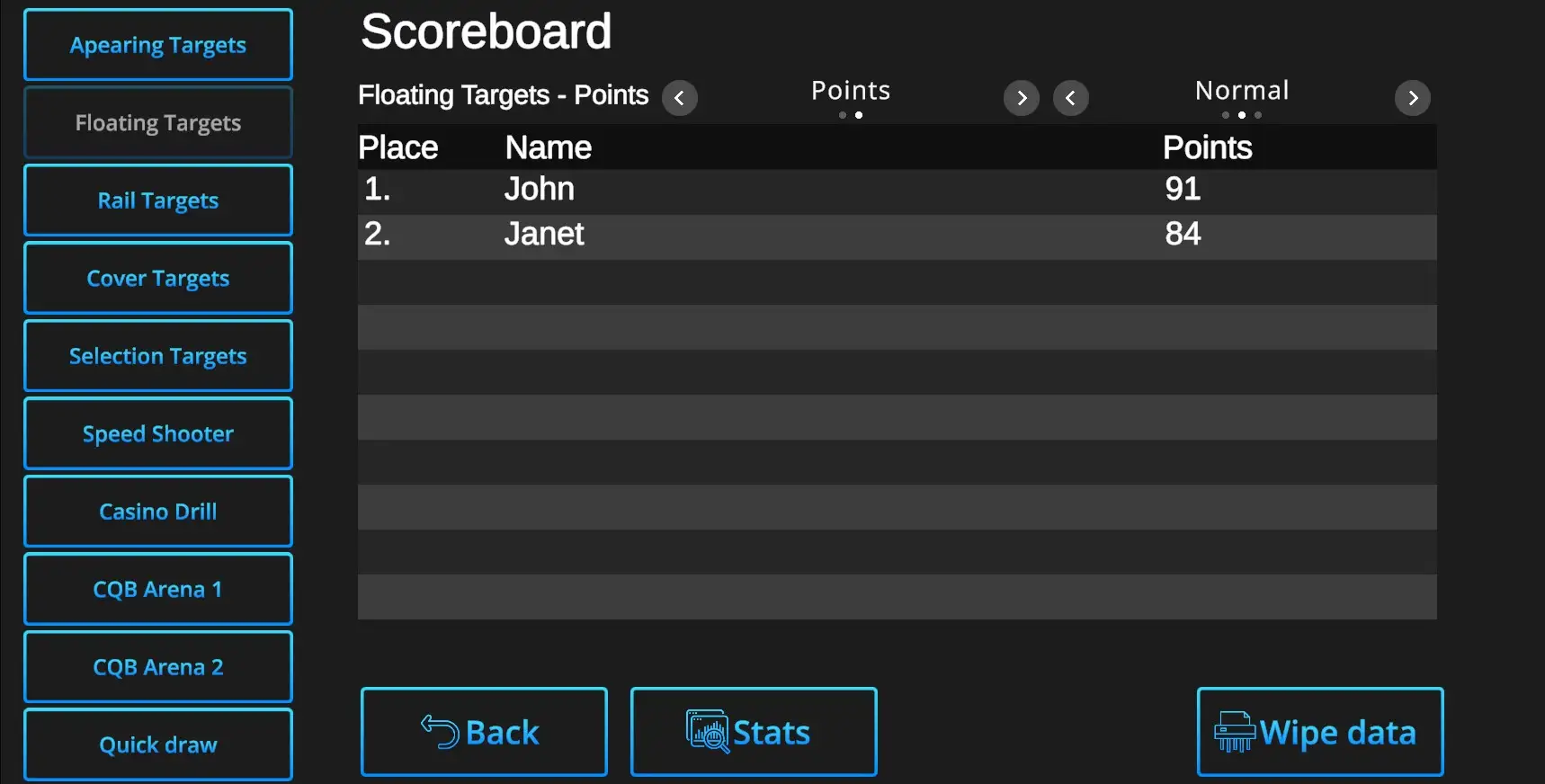
Each drill has its own bookmark - whichever drills' scoreboard can be accessed by clicking (shooting at) the relevant bookmark button.
Switches between results based on Points or Time as well as between various Difficulty modes are available above the list of scorers.
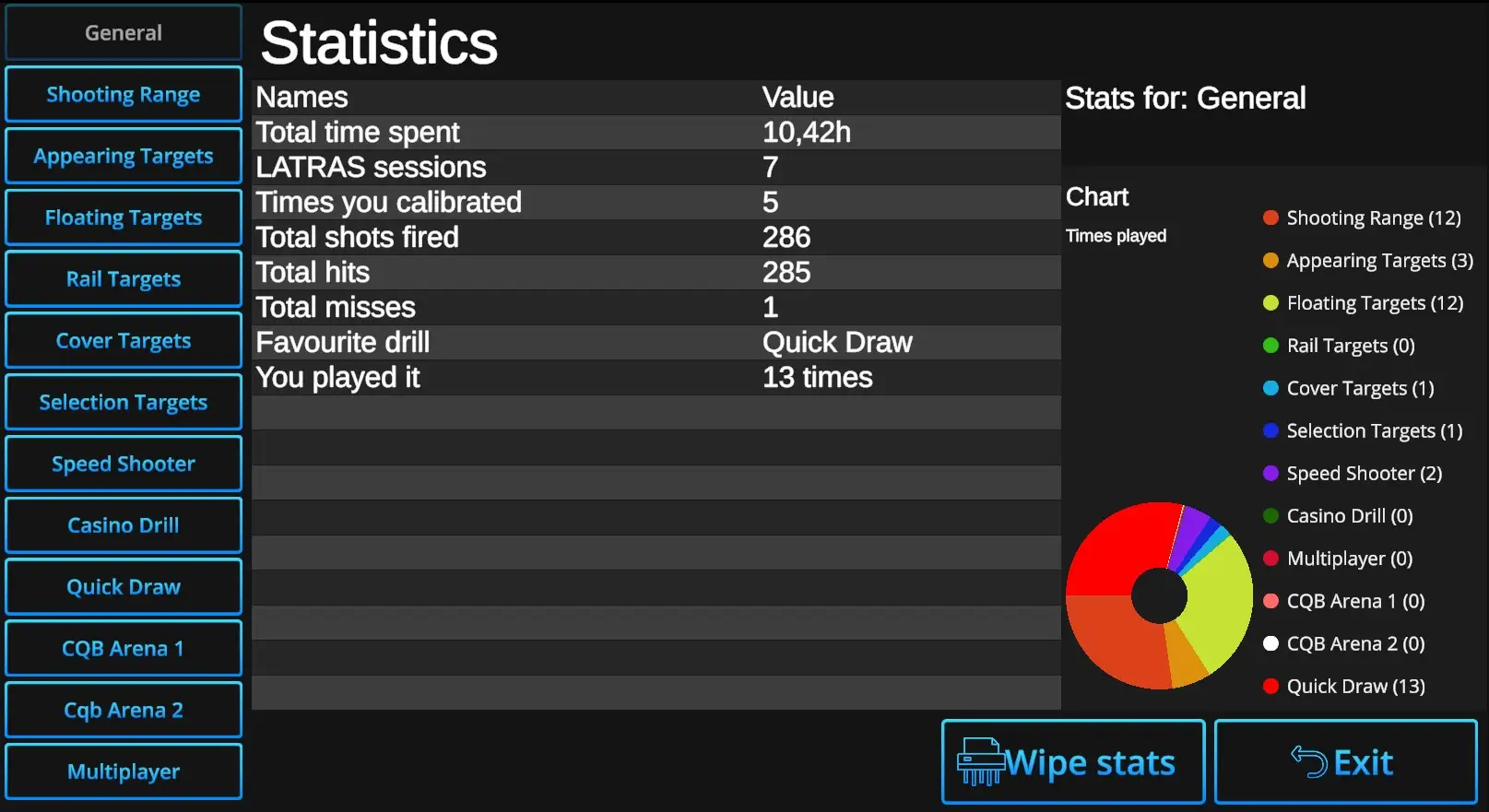
Wipe stats: When selected and confirmed, all Statistics data including Scoreboards will be erased.
Exit: Return to Scoreboard dialog.