
Settings
The main Settings dialog is accessible from the Home Page.
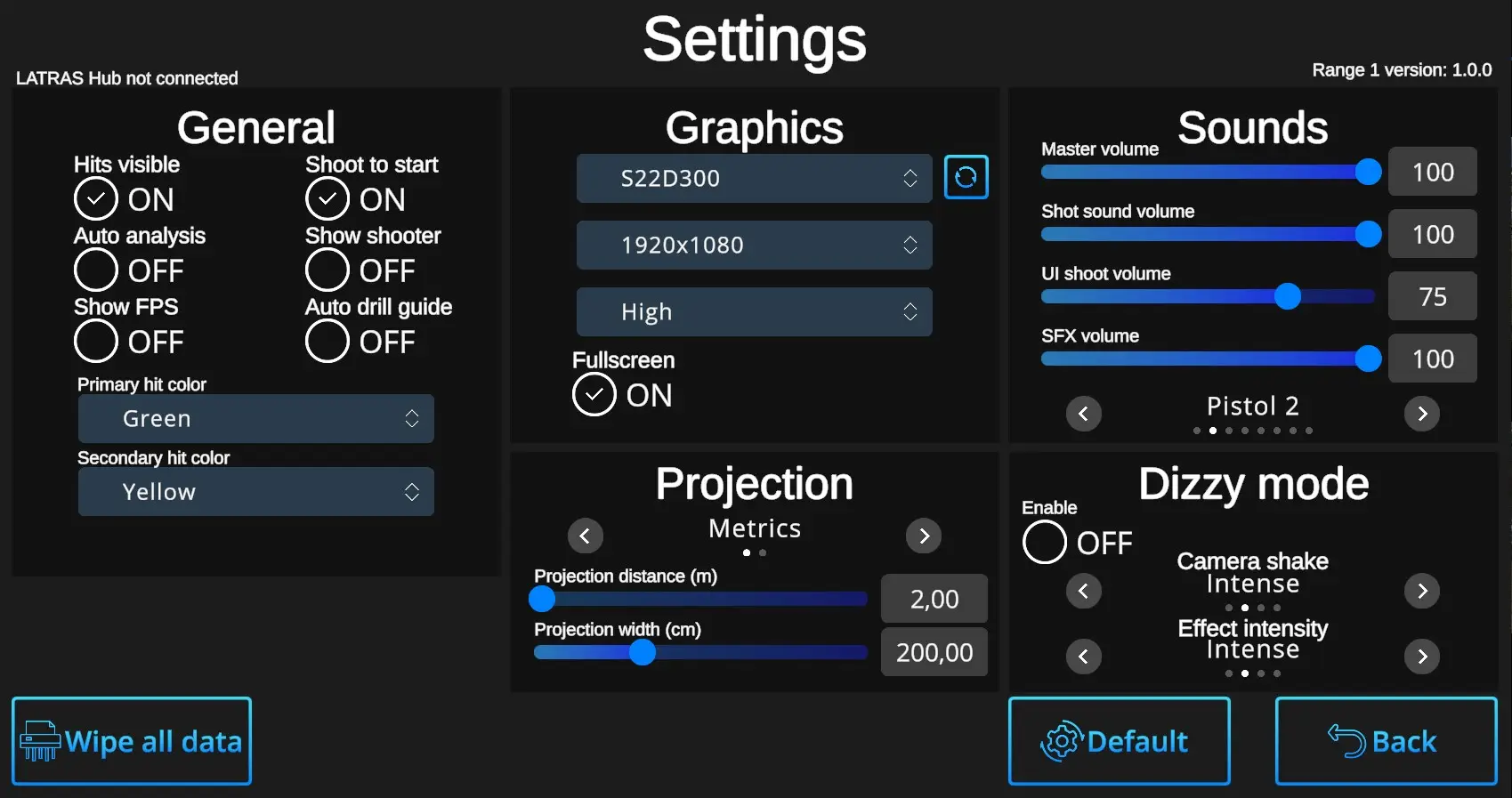
General Settings:
Hits Visible ON/OFF:
ON – Hits are marked with a dot.
OFF – Hits leave no visible mark, but are still recorded by the system and can be reviewed later in the Analysis, where hit locations will be displayed.
Auto analysis ON/OFF:
ON – The system automatically runs the analysis after completing each drill—except for the Shooting Range, where basic shot information is always displayed in the upper right corner, and deeper analyses can be initiated manually using the 'Analysis' button.
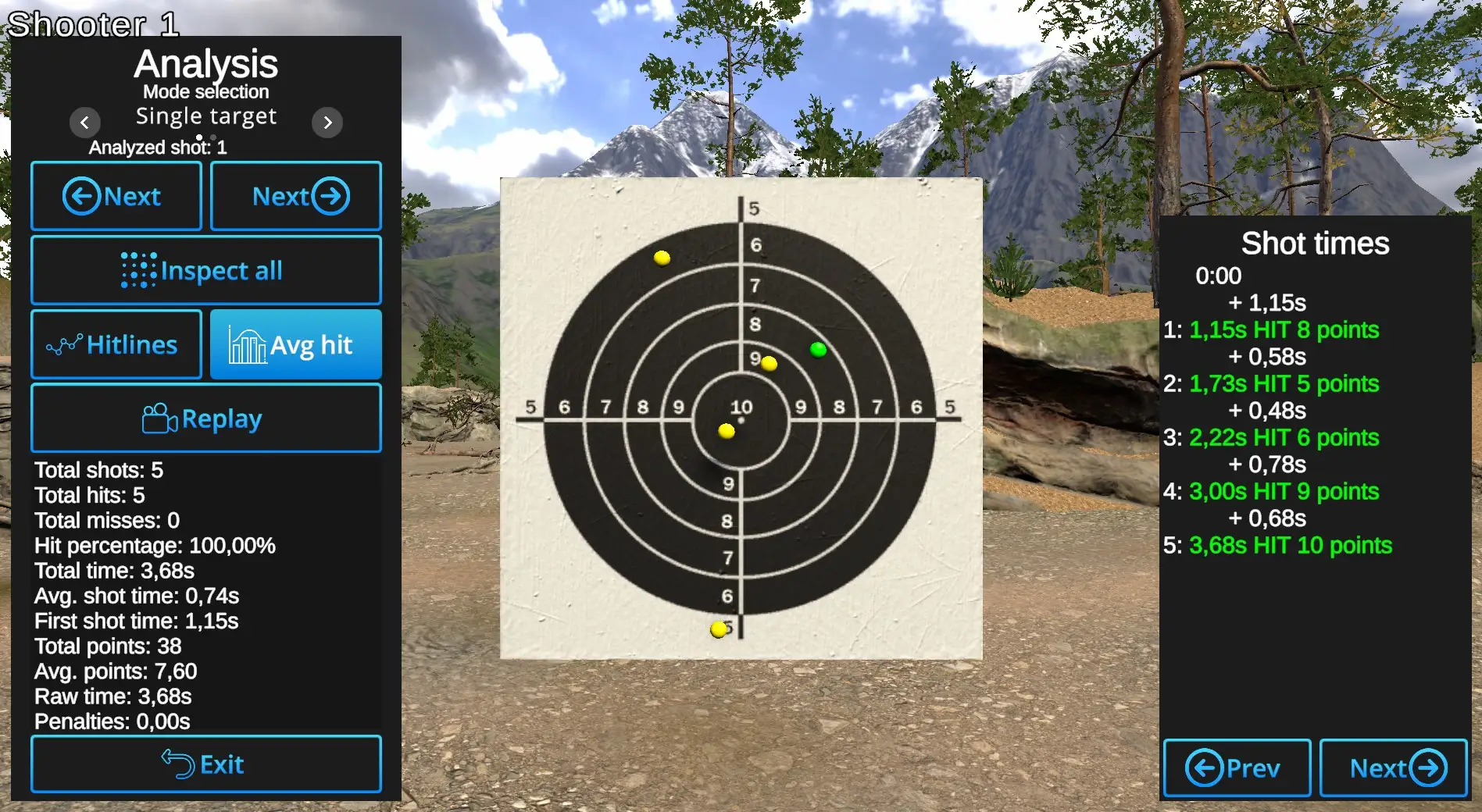
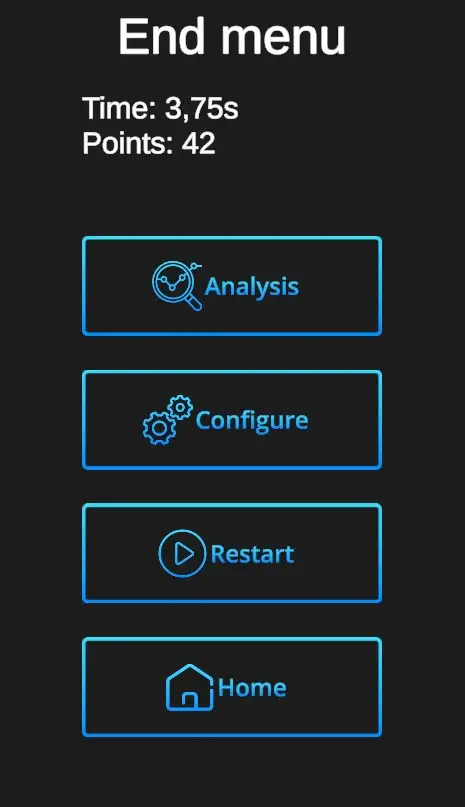
OFF – Only the End menu will be prompted after each drill. The Analyses can be started by prompting the Analysis button.
Show FPS ON/OFF:
Prompts ON -/ CurrentOFF visibility of the current Frames Per Second ratio. When ON, it appears in the upper left corner under the Player information.
Shoot to start ON/OFF:
Show shooter ON/OFF:
Auto drill guide ON/OFF:
Primary hit color :
Secondary hit color :
Graphics :
Fullscreen ON/OFF :
Projection :
Slider selection Metrics x Imperial
Projection distance (m/ft) :
Projection width (cm/inch) :
Sound :
Master volume : Available values are 0-100%. 0% mutes all of the sounds.
Shot sound volume : Available values are 0-100%. 0% mutes the shot sounds.
UI shoot volume : Sets the volume of sounds associated with the user interface (UI) in the application. This includes sounds for button presses, menu navigation, notifications, and other interactive elements within the UI. Available values are 0-100%.
SFX volume : Sound Effects volume sets the level or intensity of enhanced sounds used to deepen the experience.
Gun selection slider : Pistol 1, Pistol 2, Pistol 3, Pistol 4, Assault Rifle 1, Assault Rifle 2, Shotgun, Marksman Rifle
Dizzy mode :
Enable ON / OFF
Camera Shake : Mild, Intense, Extreme, Lost balance
Effect intensity : Mild, Intense, Extreme, Beyond Extreme