
Selecting the Detection Area in Range1
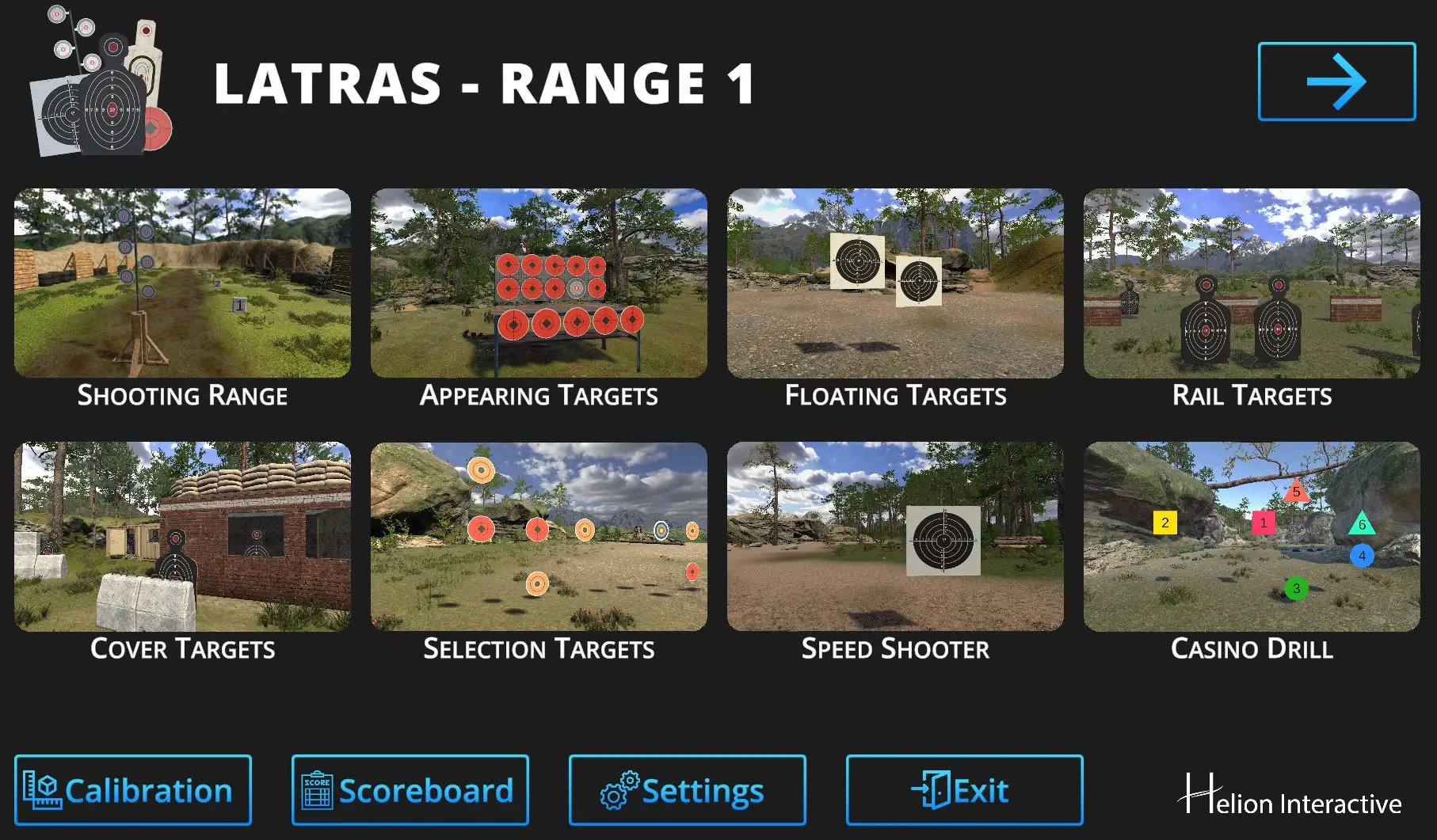
The Detection area can also be selected directly in Range1 plug-in.
Hit the Calibration button
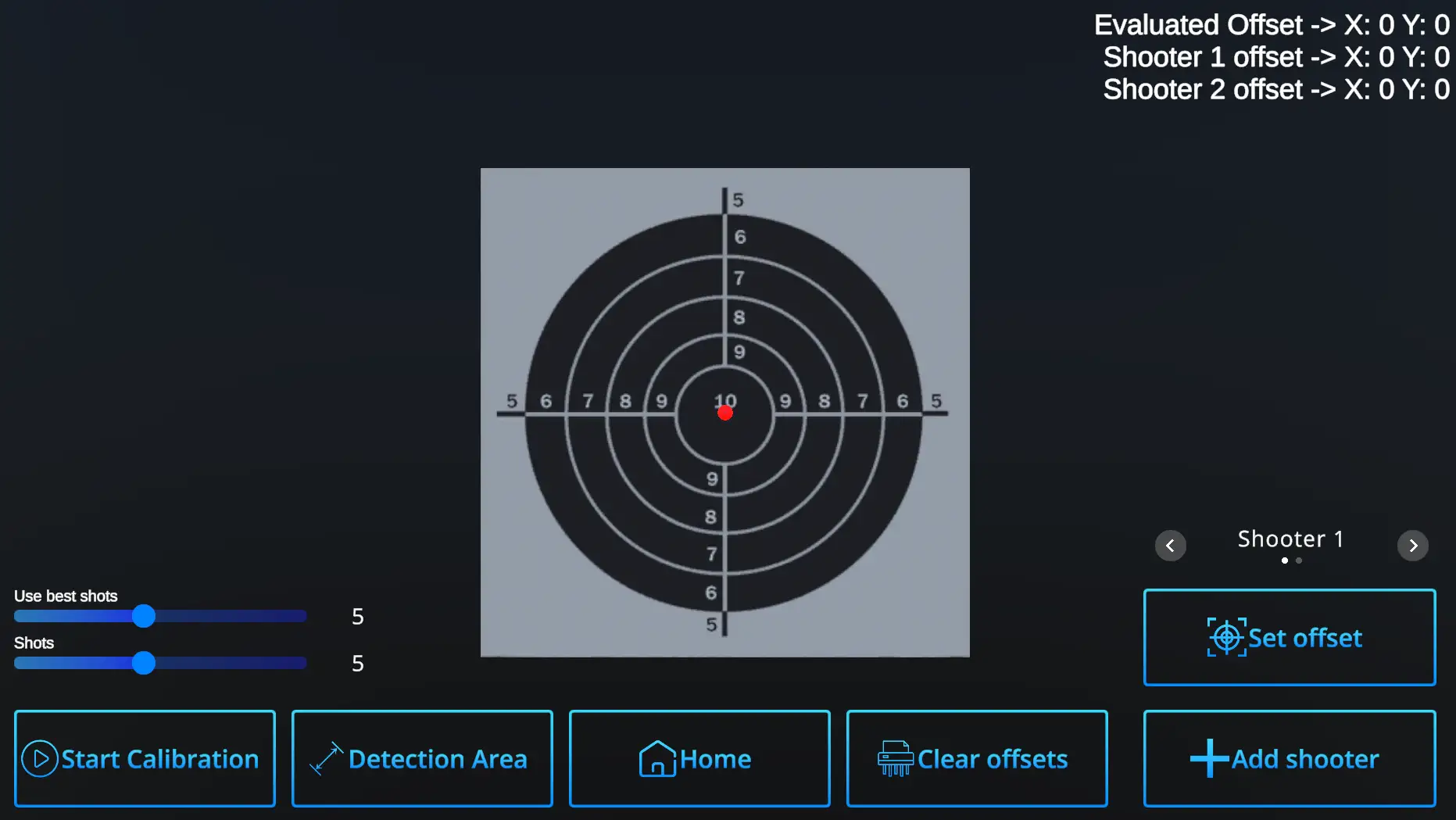
Follow with the Detection Area button:
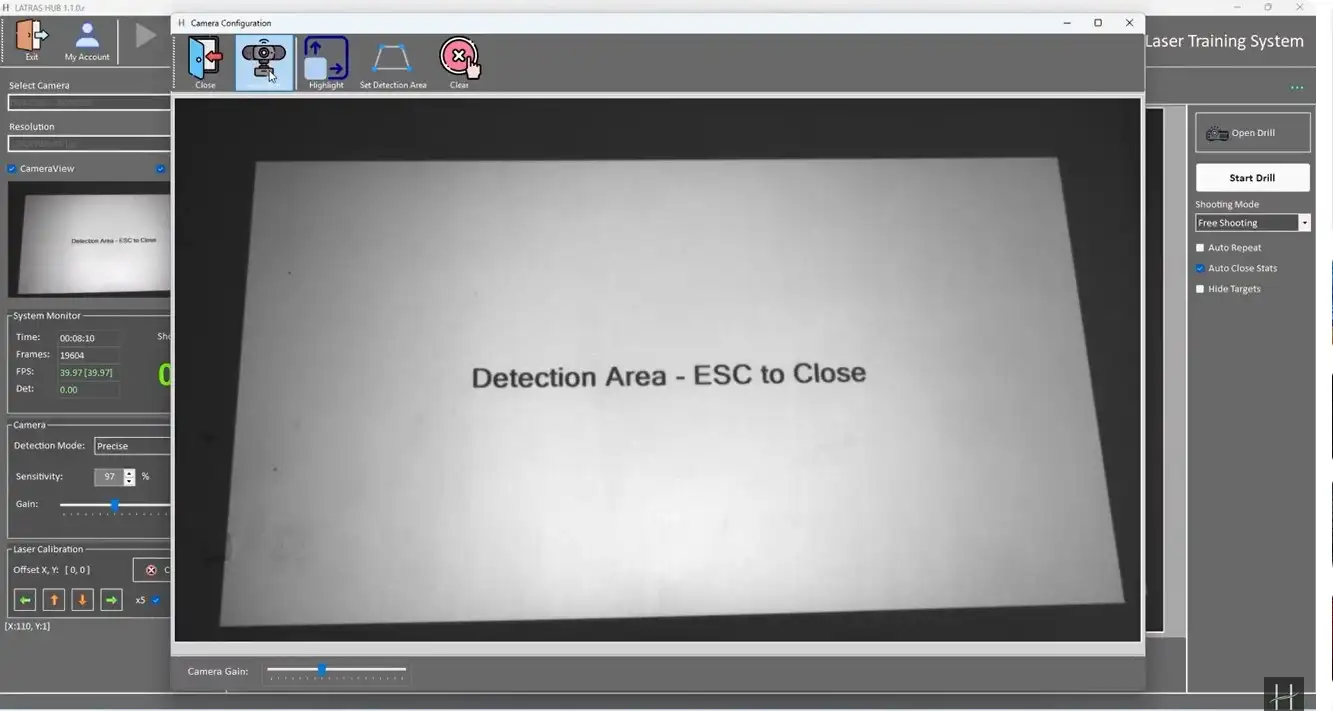
For best visibility, you may need to temporarily remove the optical filter.
The Detection area can also be selected directly in Range1 plug-in.
Hit the Calibration button
Follow with the Detection Area button:
For best visibility, you may need to temporarily remove the optical filter.