
Analysis
Analyses is available for every drill and allows for reviewing the performance shot by shot or as overall view of all hit locations shown in one target.
| The Analysis window can be system prompted automatically after each drill by selecting 'Auto analysis' ON in the 'Home'- 'Settings' - 'General' location. | 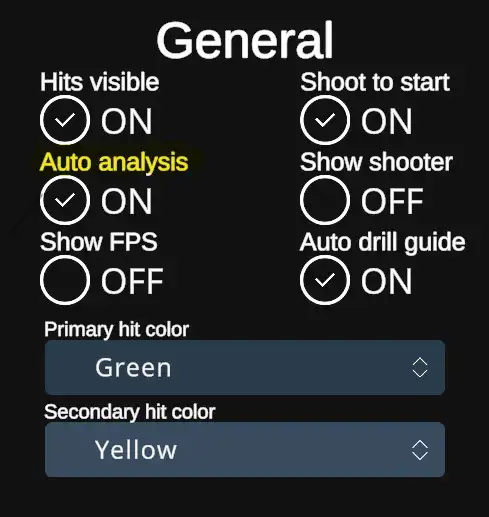 |
| When Auto analysis option is checked OFF, it is not prompted automatically, but can be after each drill brought up by hitting the Analyses button in the End menu of each drill. | 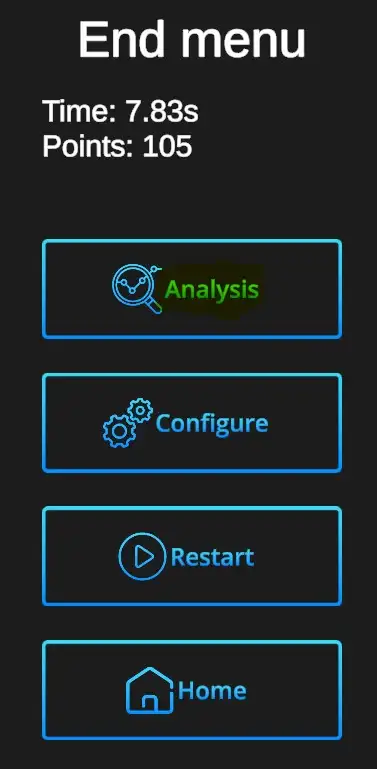 |
Analysis window

Shot-by-Shot inspection: Arrows with 'Next' show the hits one by one. Currently reviewed shot will be shown in Primary hit color.