
Laser Detection Activation
Prior to laser detection activation, make sure the optical filter is in place.
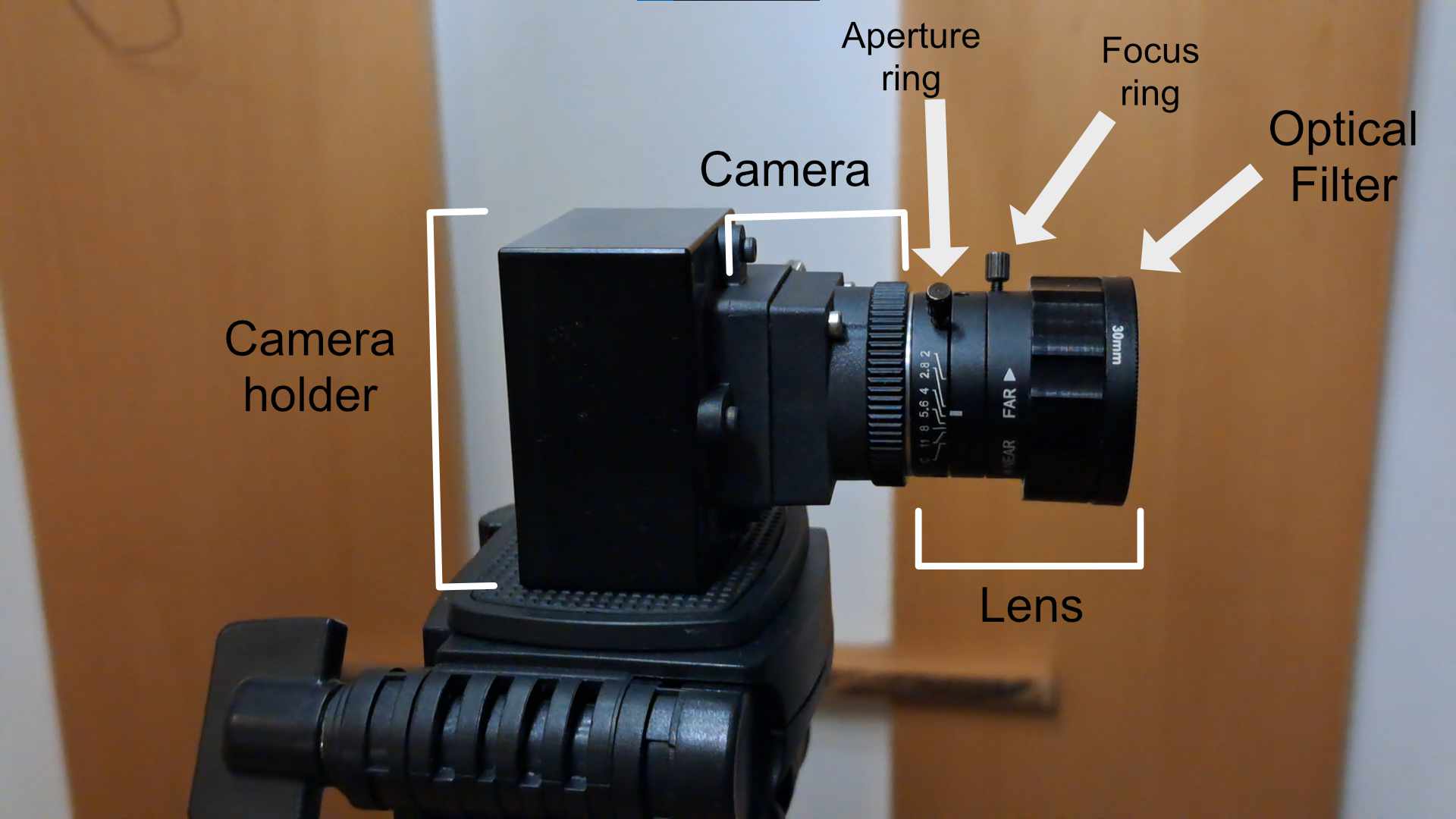
Optical filters suplied with LATRAS are suitable for InfraRed laser detection.
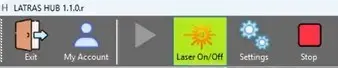
To activate the laser detection, hit Laser ON/OFF button. When ON, it will be highlighted in yellow and the laser will be detected within the previously selected detection area.
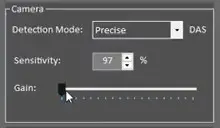
If the detection doesn't work properly, try fine tuning the Gain, or check your camera's frame rate lin LATRAS Hub under Camera View:
Most common problems:
Hits are not detected or only some are - increase the Gain
Hits appear much lower than they should be - increase Gain
There are False hits or two hits per one shot - decrease Gain
No comments to display
No comments to display